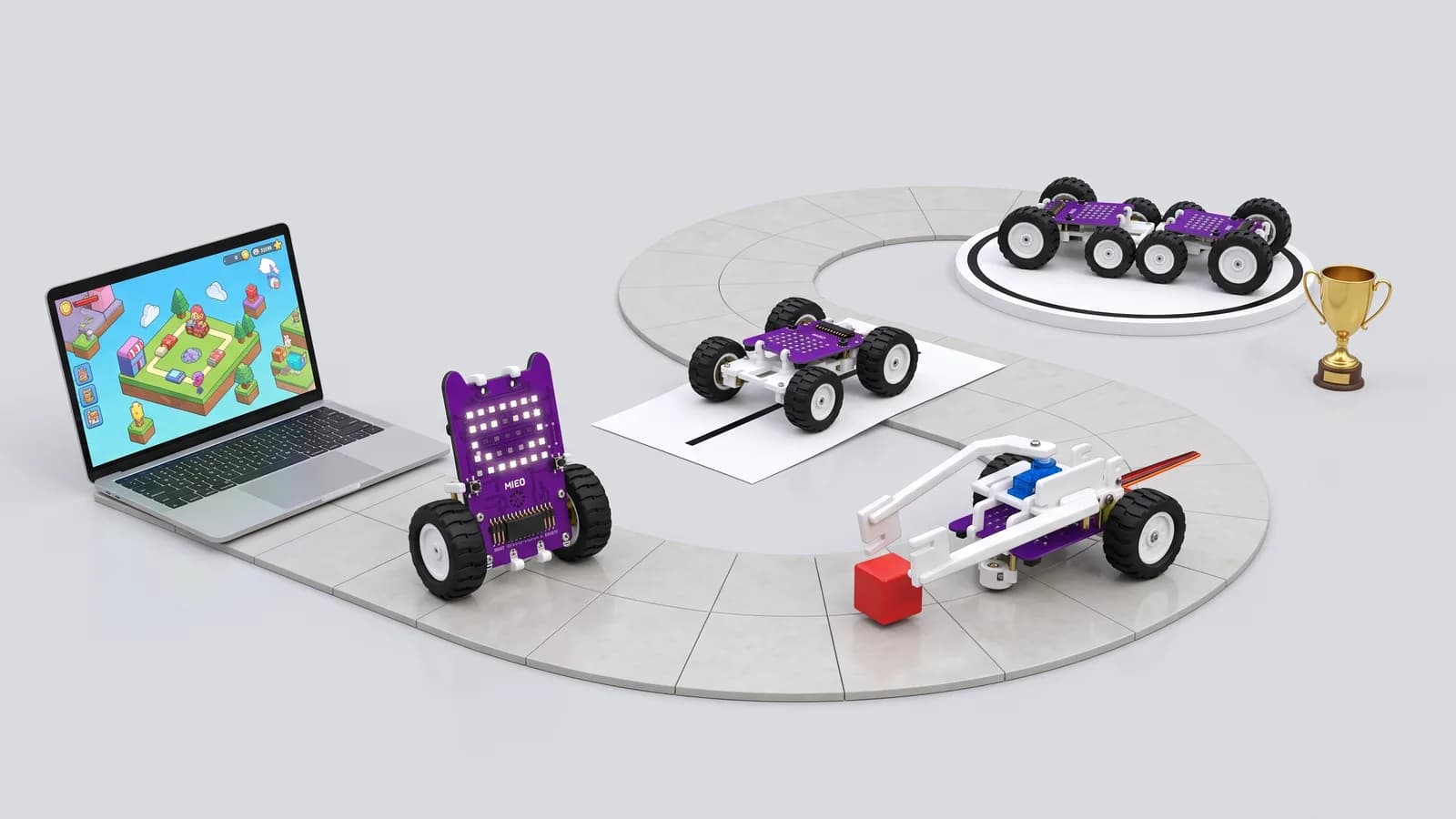
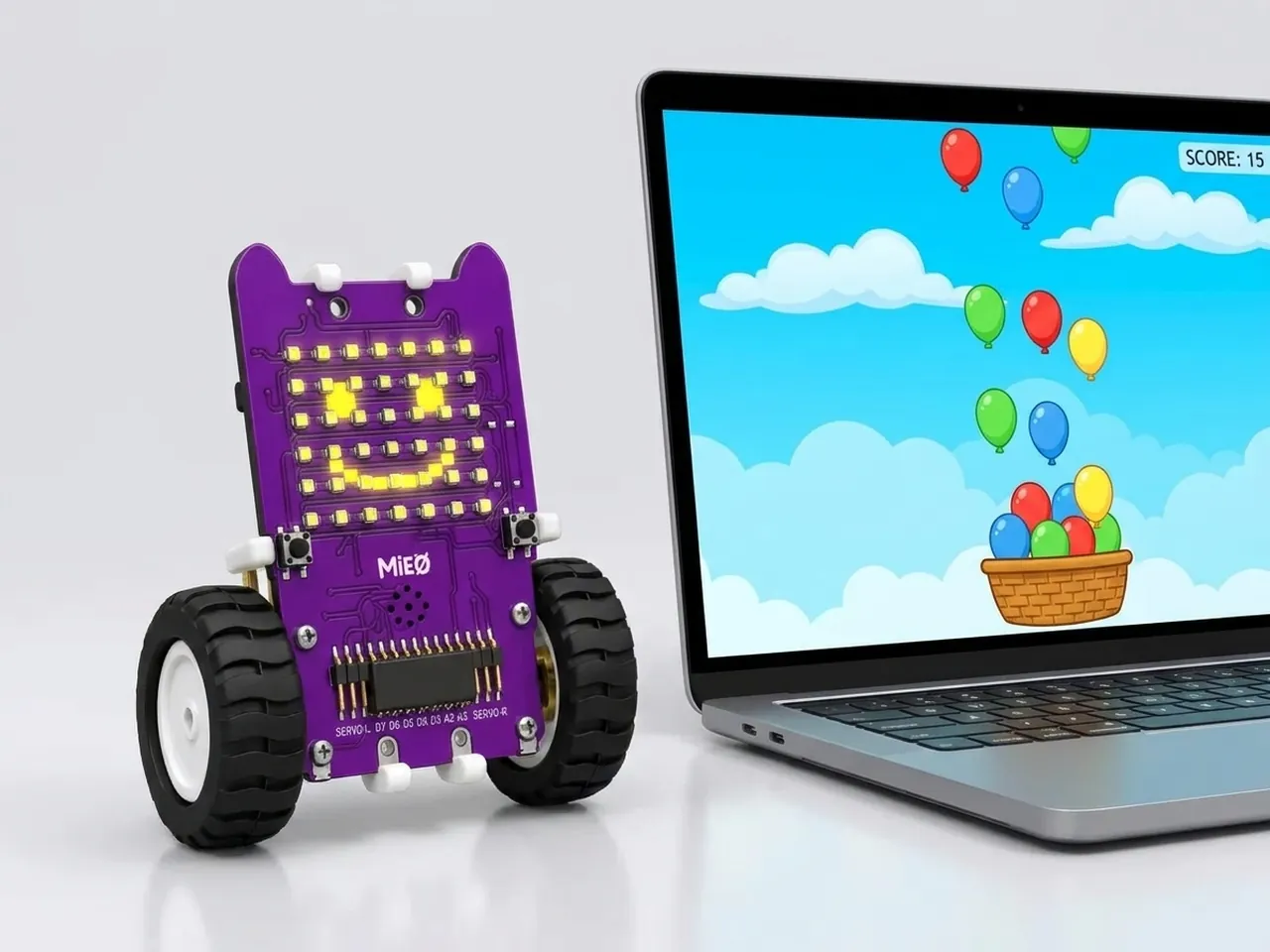
Stage 1
Screen first
Step-by-step instructions and events, on screen
Mistakes cost nothing on screen and every step is easy to see, so the blocks already feel familiar when you program a real robot.
10 projects
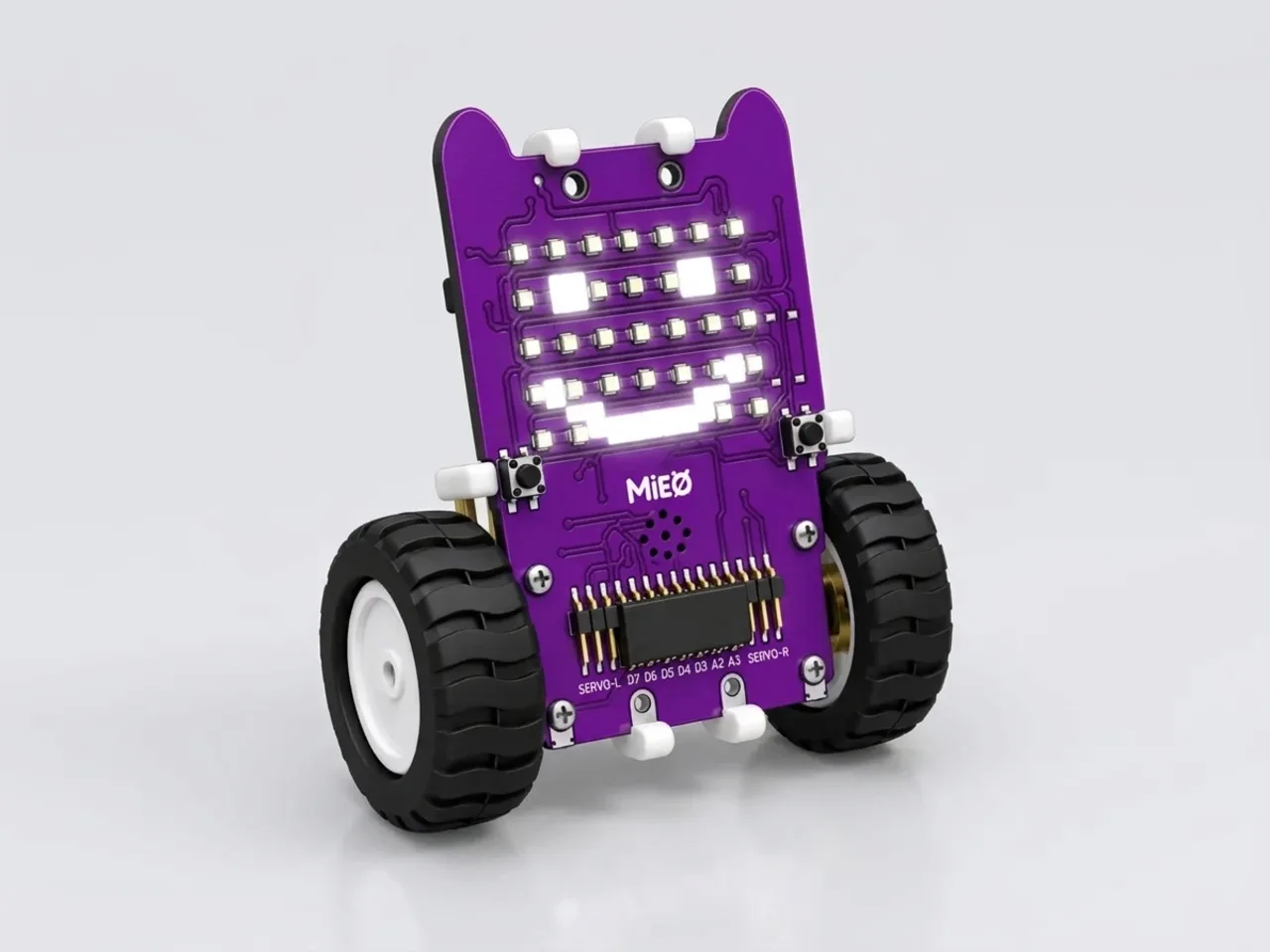
Stage 2
First output
A program can change something in the real world
Your first robot program lights up a face or plays a tune, so nothing can drive off the desk while you learn how uploading works.
3 projects
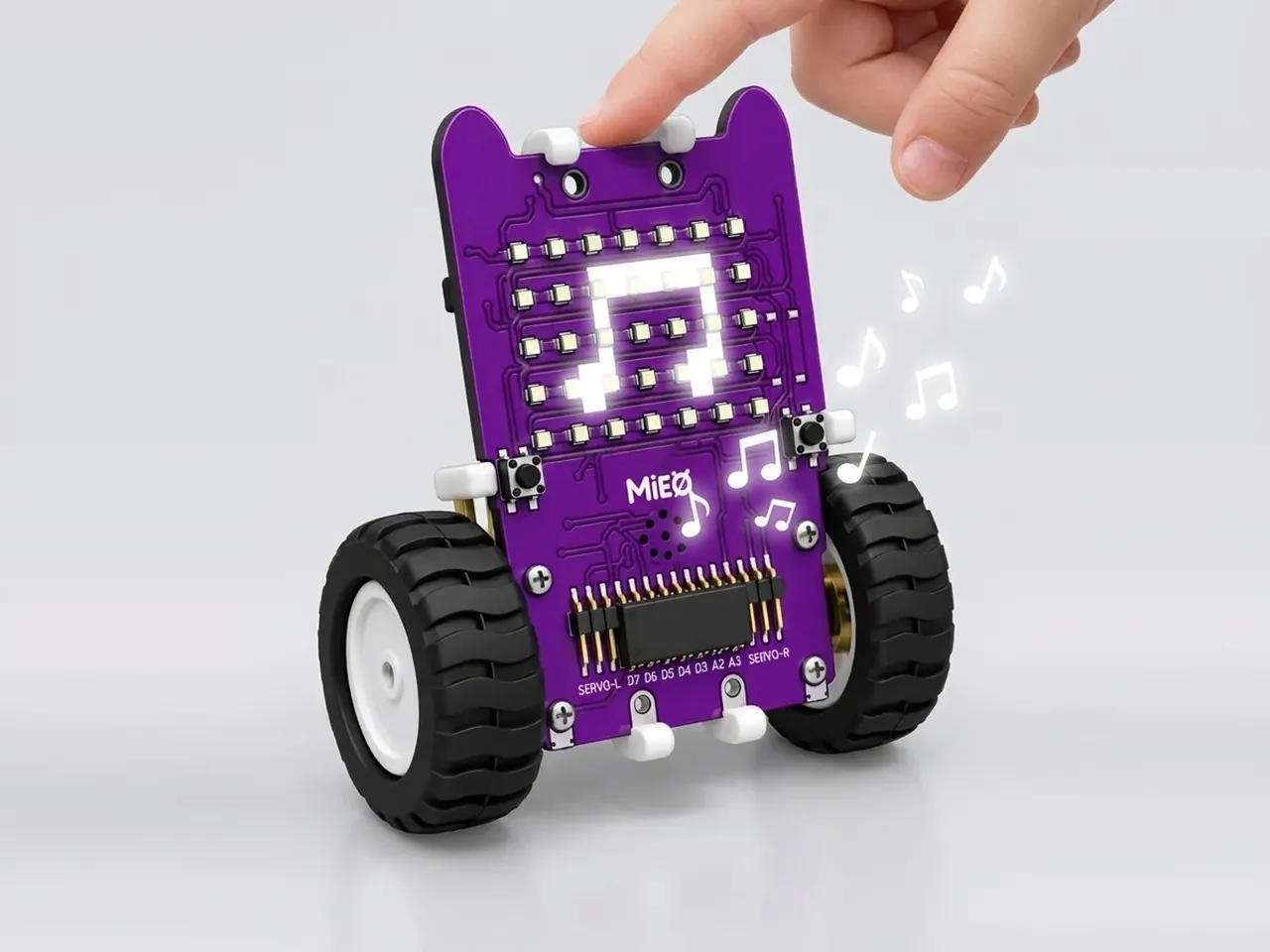
Stage 3
First input
Reading a sensor and reacting to it
Buttons, touch pads and sensors turn a program that only runs into one that listens and reacts to you.
6 projects
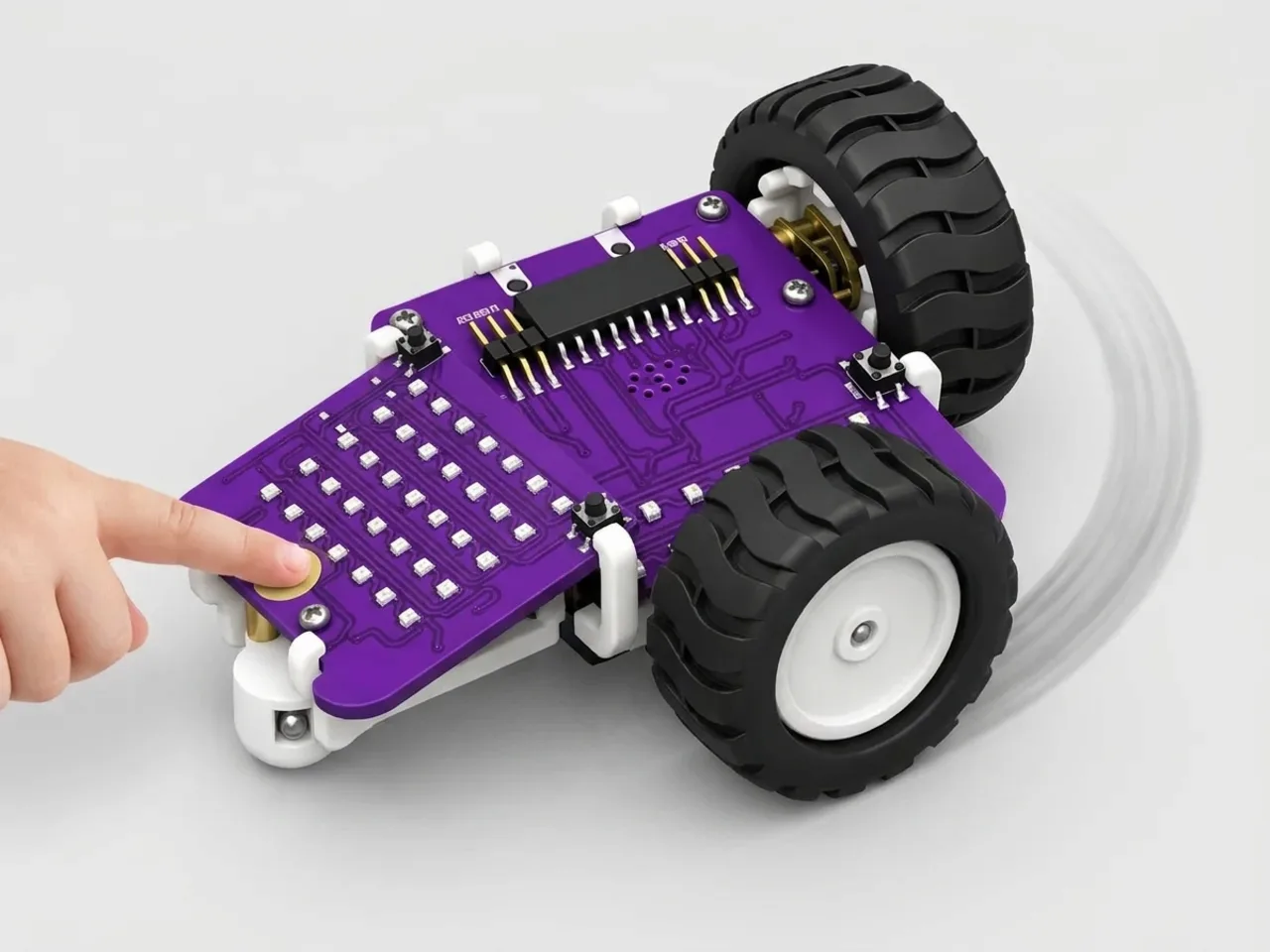
Stage 4
First movement
Controlling two wheels
You control each wheel on its own before simple driving, so you understand how a robot really turns.
4 projects
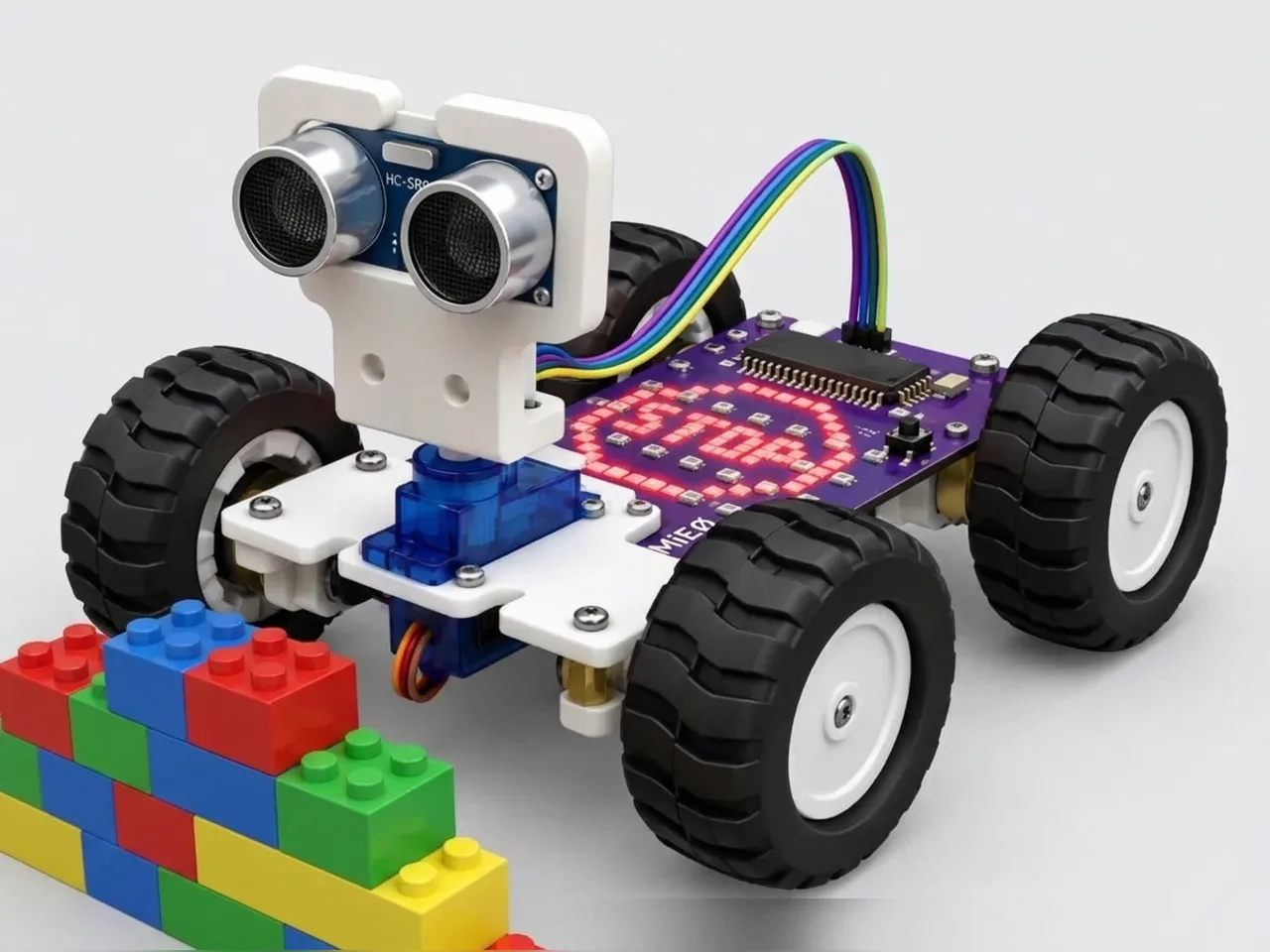
Stage 5
Sensing
Checking a sensor again and again
Checking a sensor again and again in a loop is how a robot keeps noticing a world that never stands still.
5 projects
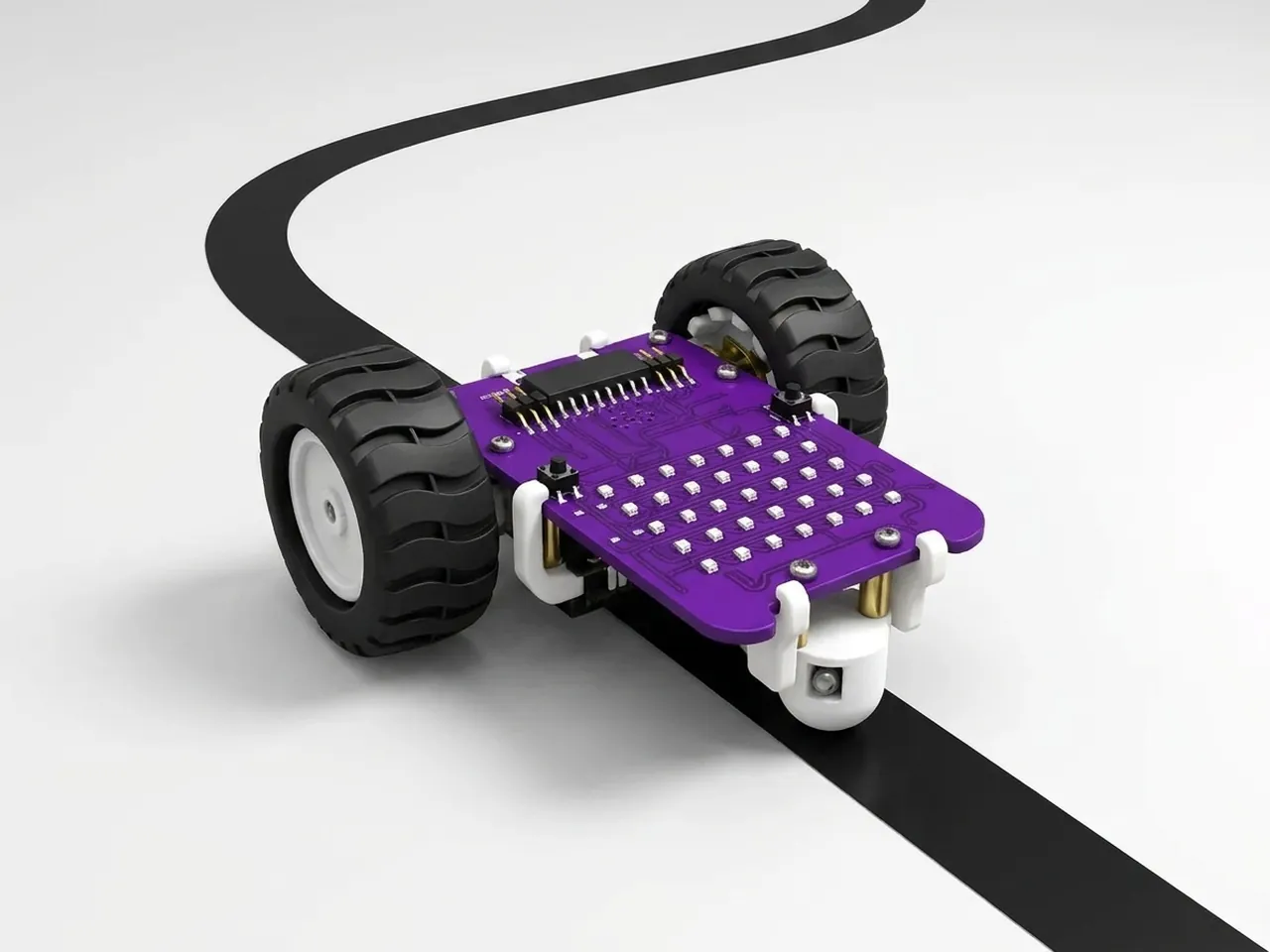
Stage 6
Self-driving
Letting the robot decide on its own
Once a robot can sense, it can decide for itself: follow a line, steer round a wall or deliver a parcel.
6 projects
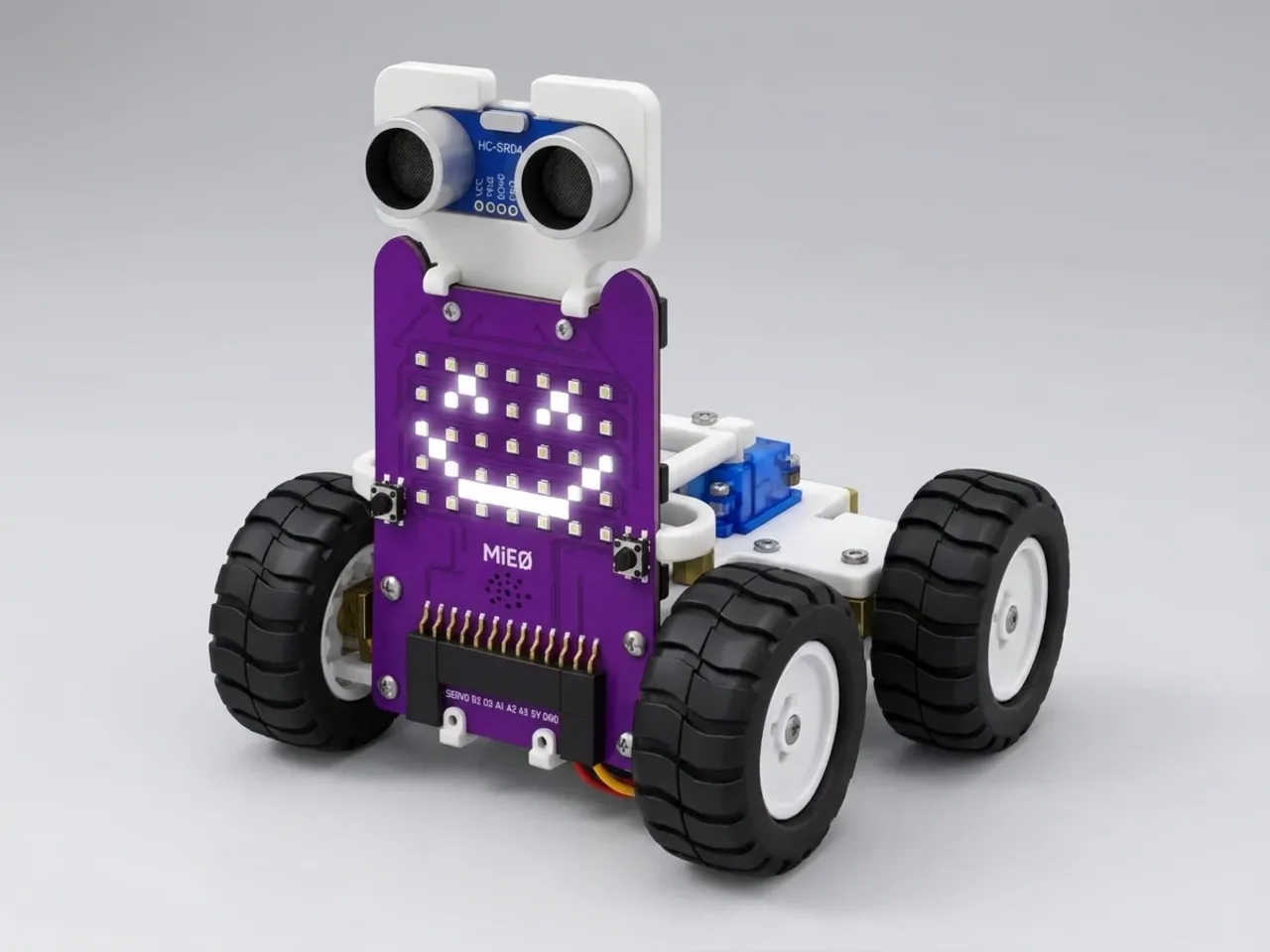
Stage 7
Expression
Timing lights, sound and movement together
Faces, sounds and moves timed together give a robot a character that people understand at a glance.
6 projects
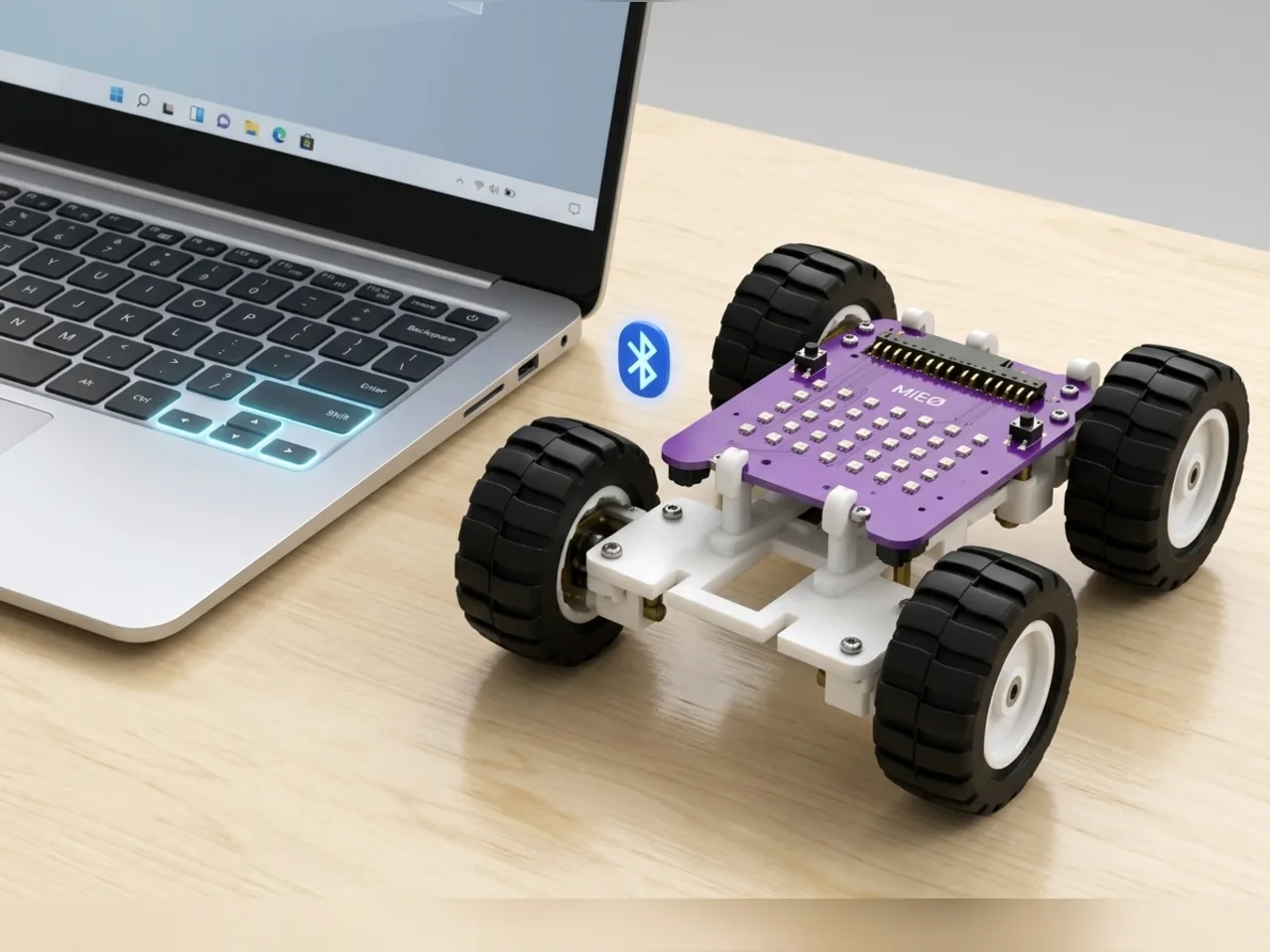
Stage 8
Remote control
Driving a robot wirelessly
Driving live over Bluetooth shows how the computer and the robot work together, one command at a time.
3 projects
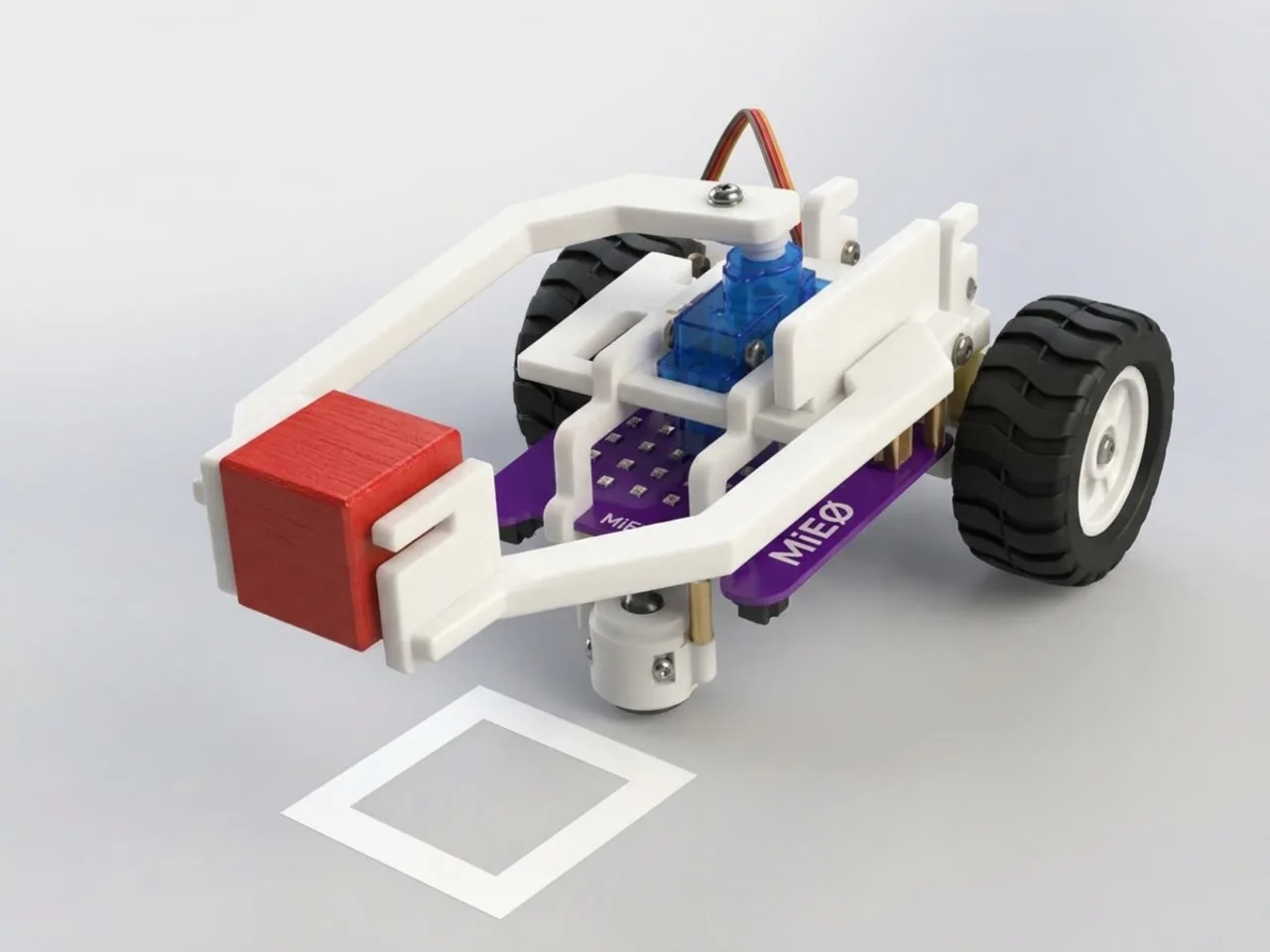
Stage 9
Robot arms
Breaking a task into small steps
An arm only works when a big job is broken into small, careful steps in the right order, which is the heart of programming.
5 projects
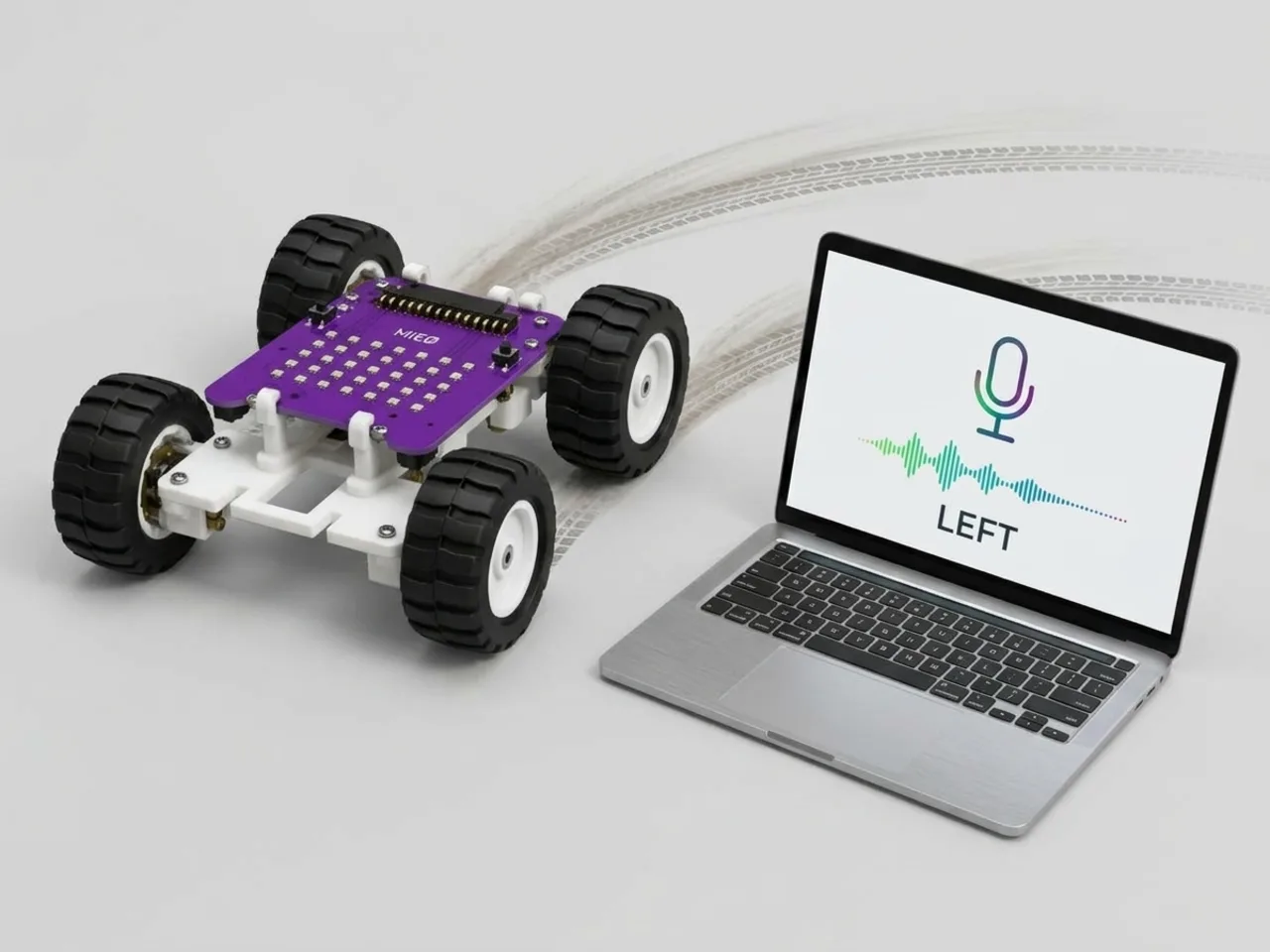
Stage 10
AI
Using the camera and voice as inputs
The camera and the microphone become just another sensor, so AI builds on everything you already know instead of feeling like magic.
23 projects
- Speech-Controlled Robot(Beginner)
- Voice Controlled Car(Intermediate)
- Facial Expression Detection Robot(Intermediate)
- Emotion-Responsive Robot(Intermediate)
- Face-Responsive Robot(Intermediate)
- Object Recognition Robot(Intermediate)
- Body Movement Tracking Robot(Intermediate)
- Hand Gesture-Controlled Robot(Intermediate)
- Hand Tracking Robot(Intermediate)
- QR Code Recognition System(Intermediate)
- Talking Terminal Buddy(Intermediate)
- Weather Monitoring Robot(Intermediate)
- Robot Guard Dog(Intermediate)
- Smile to Open Gate(Intermediate)
- Face Recognition Robot(Advanced)
- Printed Text Recognition System(Advanced)
- AI Vision-Based Robot(Advanced)
- Object Detection and Response Robot(Advanced)
- Voice Assistant Robot(Advanced)
- Voice-Activated Robotic Car(Advanced)
- AI-Powered Interactive Robot(Advanced)
- IoT-Connected Robotics System(Advanced)
- AI-Based Smart Robotics System(Advanced)
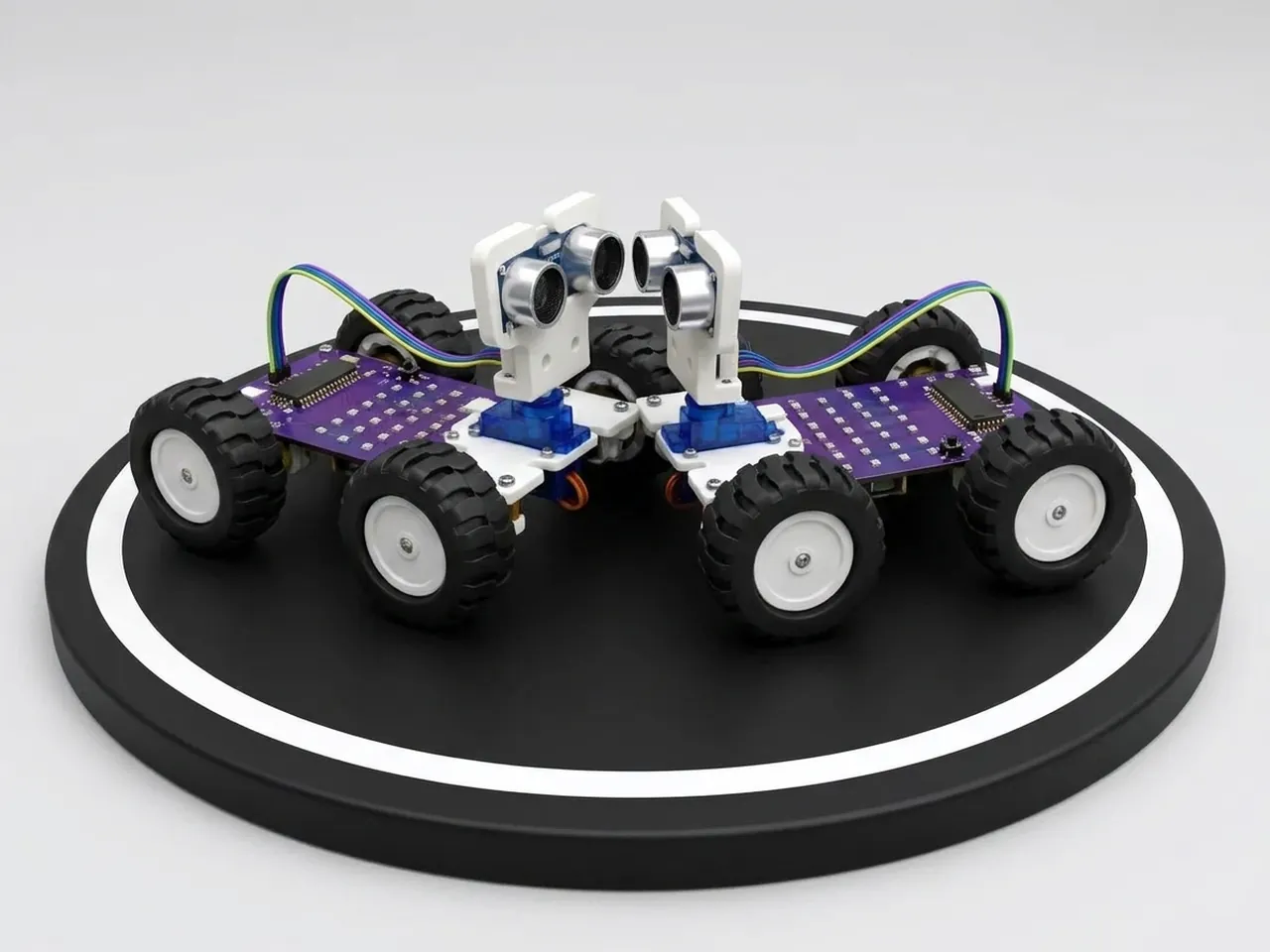
Stage 11
Competition
Reliability, strategy and following rules
Competitions test everything at once: a build that holds together, a plan to win and rules that keep the game fair.
4 projects
BeginnerIntermediateAdvanced