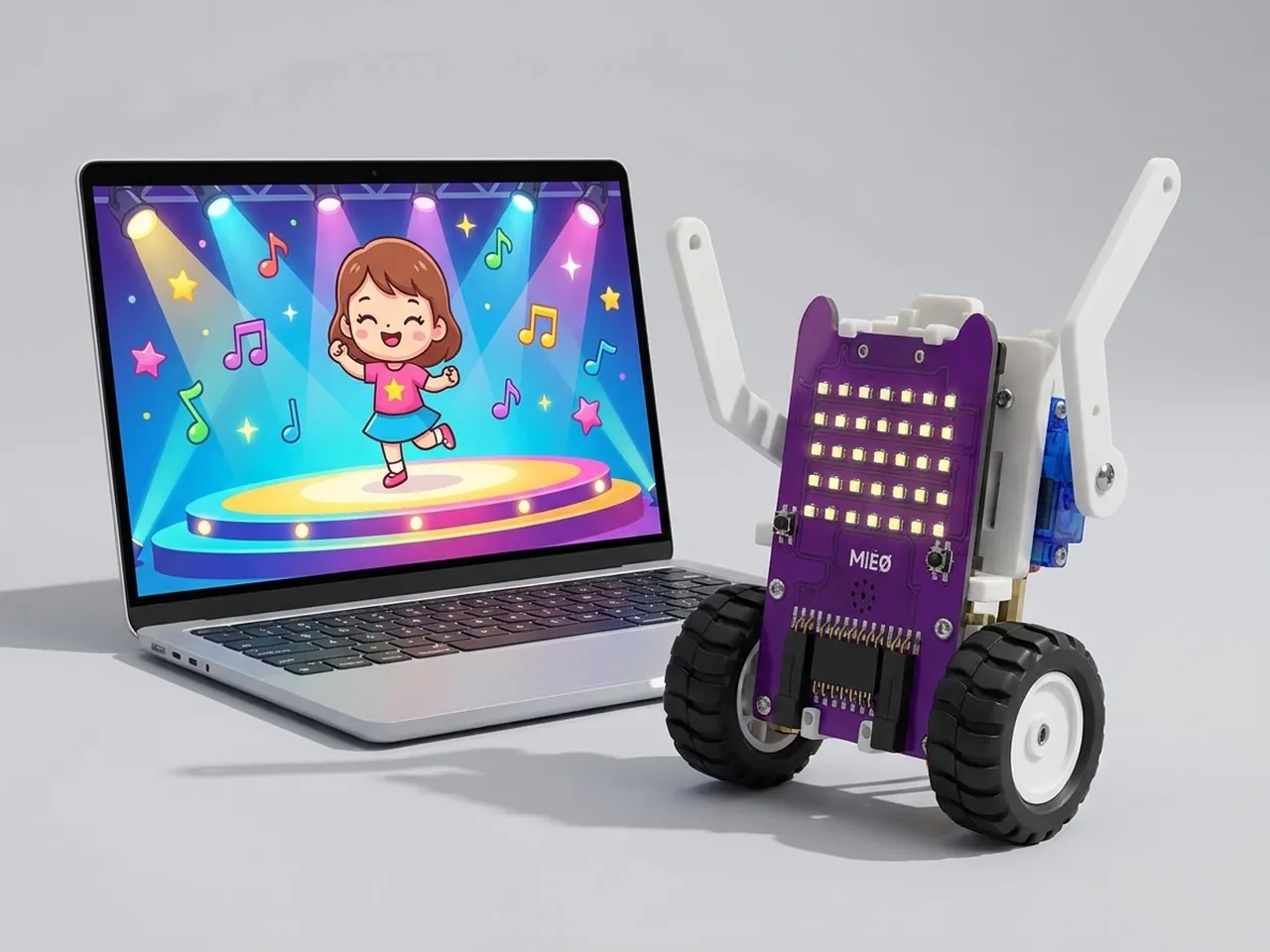
Dancing Girl
Switch costumes in time with music to make a dancer move
What you'll build
Anina is a dancer from Robolab's sprite library with 13 dance moves, each one a different costume. In this project you put Anina on a concert stage, start the music and flip through the moves in time with the beat, just like the pages of a flip book. Click the dancer to change the outfit's colours. You will run two scripts at the same moment, which is how games and robots do more than one thing at once.
What you'll learn
- How switching costumes makes a sprite look like it's moving
- Running two scripts at the same time from one green flag
- Using “wait” to set the speed of an animation
- Why “play sound until done” keeps music looping cleanly
You'll need
Set up the stage
- Open Robolab and leave “No device selected” as it is, because this project runs on screen.
- Click the “Choose a Sprite” button and pick Anina Dance from the library.
- Delete Roby: right-click Roby in the sprite list and choose delete.
- Click the “Choose a Backdrop” button and pick Concert.
- Click Anina Dance and open the Costumes tab to see all 13 moves, from anina stance to anina pop R arm. Then go back to the Code tab.
Code it
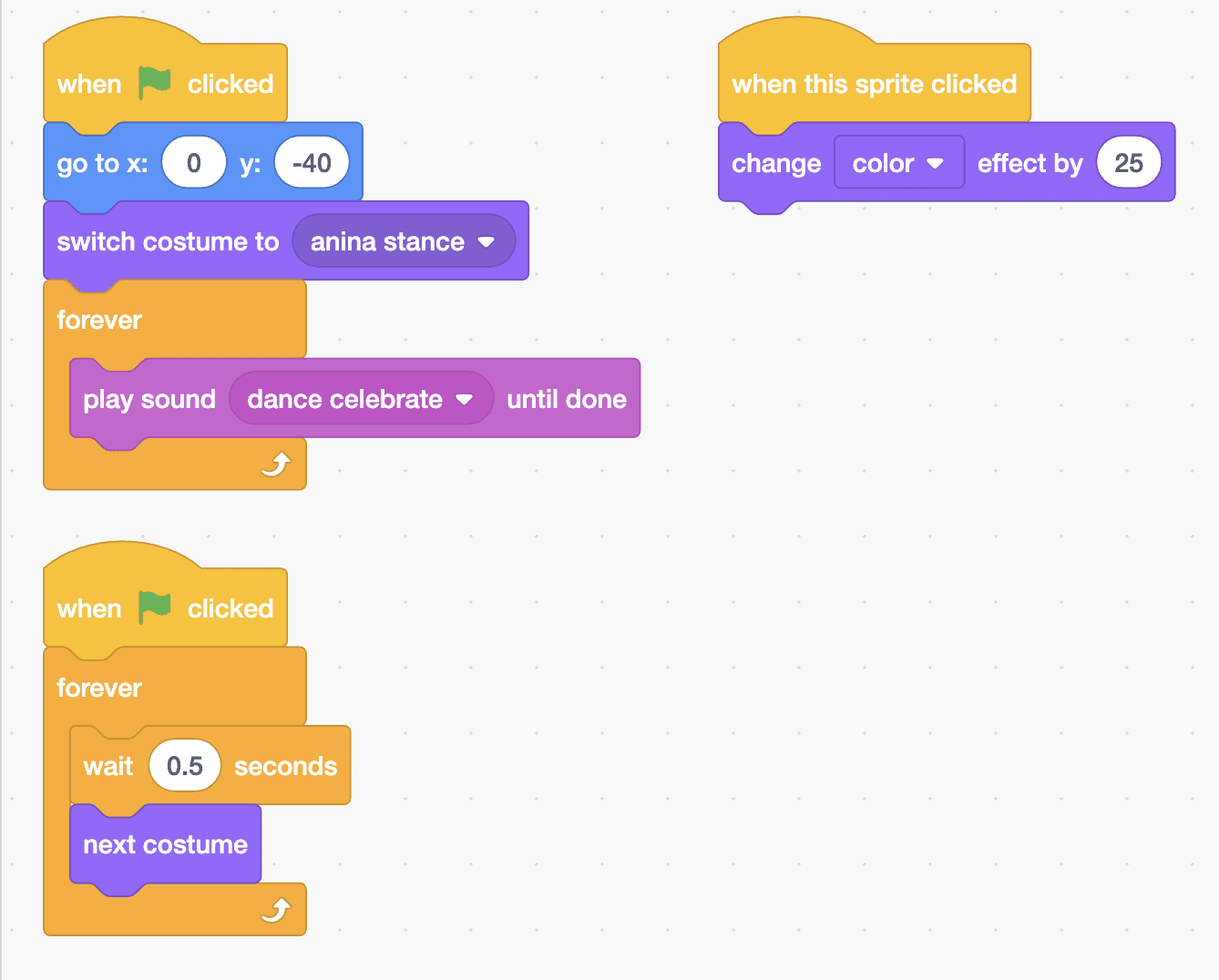
- Start a script with “when green flag clicked”. Add “go to x: 0 y: -40” and “switch costume to anina stance”, so the dance always starts the same way.
- Add a “forever” loop with “play sound dance celebrate until done” inside. “Until done” makes the loop wait for the music to end before starting it again, so it repeats without piling up.
- Start a second script with another “when green flag clicked”. Add a “forever” loop with “wait 0.5 seconds” and “next costume” inside.
- Start a third script with “when this sprite clicked” and add “change color effect by 25” from Looks.
- Click the green flag. Both flag scripts start at the same moment, so the music and the dance run together.
This project runs on screen in Robolab, so you don't need MIEO for it.
when green flag clicked
go to x: (0) y: (-40)
switch costume to [anina stance v]
forever
  play sound [dance celebrate v] until done
end

when green flag clicked
forever
  wait (0.5) seconds
  next costume
end

when this sprite clicked
change [color v] effect by (25)Test it
Click the green flag. The music starts, and Anina steps through all 13 moves, one every half second, then starts again from the first. The music repeats for as long as the project runs. Click the dancer to change the colours of the outfit; keep clicking to go round the rainbow. Click the red stop sign to end the show.
If it doesn't work
- The moves don't match the music? Change the 0.5 in “wait 0.5 seconds” until each move lands on a beat.
- The music stutters or sounds jumbled? Inside the forever loop, use “play sound … until done”, not “start sound”.
- Anina stands still? The second script also needs its own “when green flag clicked” at the top.
Make it your own
- Easy: try the other music, dance magic, and a different backdrop.
- Medium: add a second dancer, Cassy Dance, with its own costume loop and a different wait, so the two dance at different speeds.
- Hard: make your own routine. Instead of “next costume”, use “switch costume to” blocks with the moves you choose, in the order you like.