Block coding for kids, now with AI
The free RobolaB coding app for Windows, macOS and Linux. Snap blocks together to drive MIEO, make games, and build robots that see faces, follow hand signs and listen to your voice.
Latest version 1.0.11 · What's new
 Local AI · New in Robolab 1.0.11
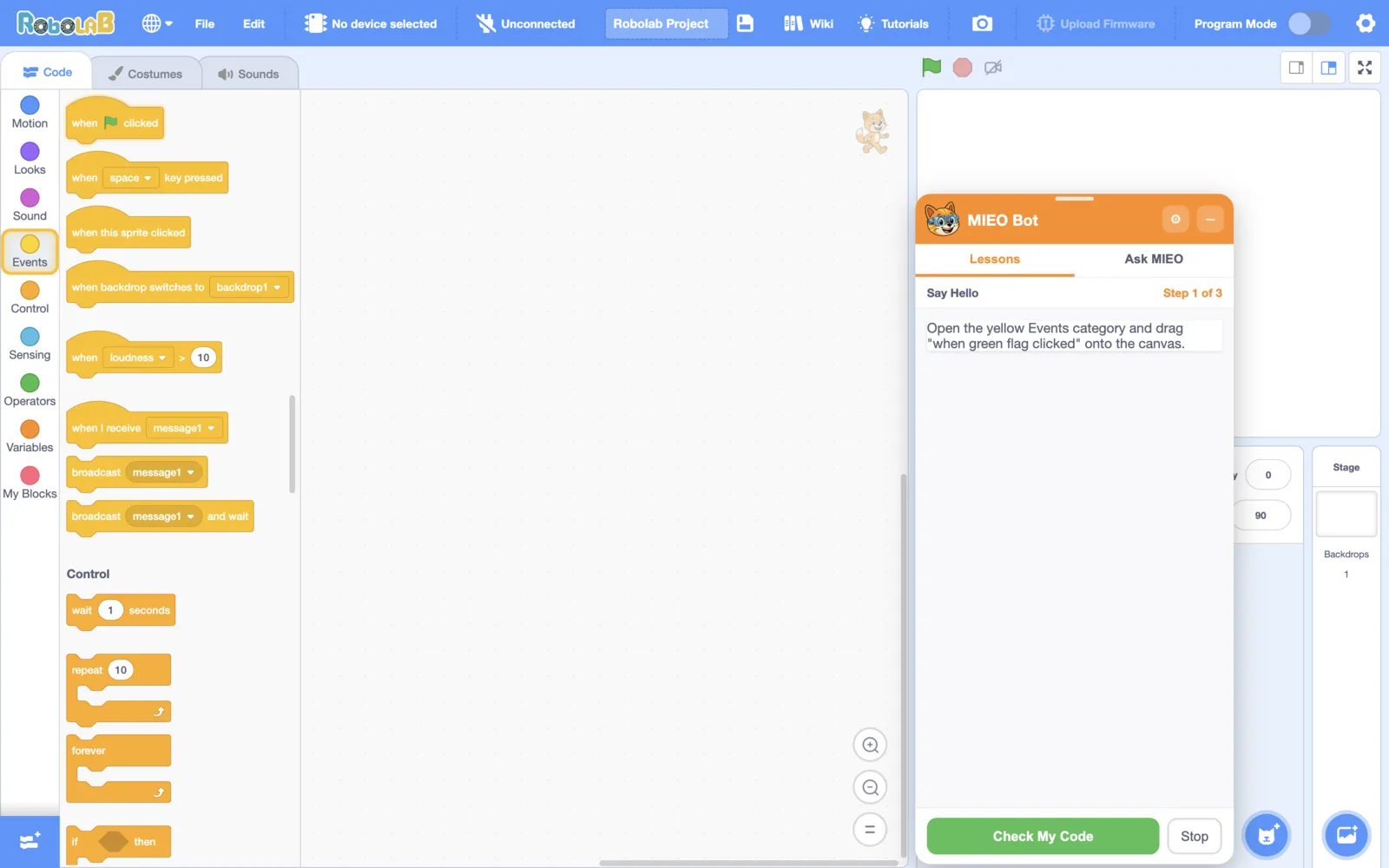
Meet MIEO Bot, Your Coding Buddy
A local AI tutor that sits beside the editor. Pick a lesson and MIEO walks you through it, shows you where each block is and tells you exactly what to fix.
- 125 guided lessons that check your blocks as you build
- A full guide to all 283 blocks, in English and Malayalam
- Runs on your computer: no internet, no account
Two Ways to Run
Try ideas live, then send your program to MIEO so it runs on its own.
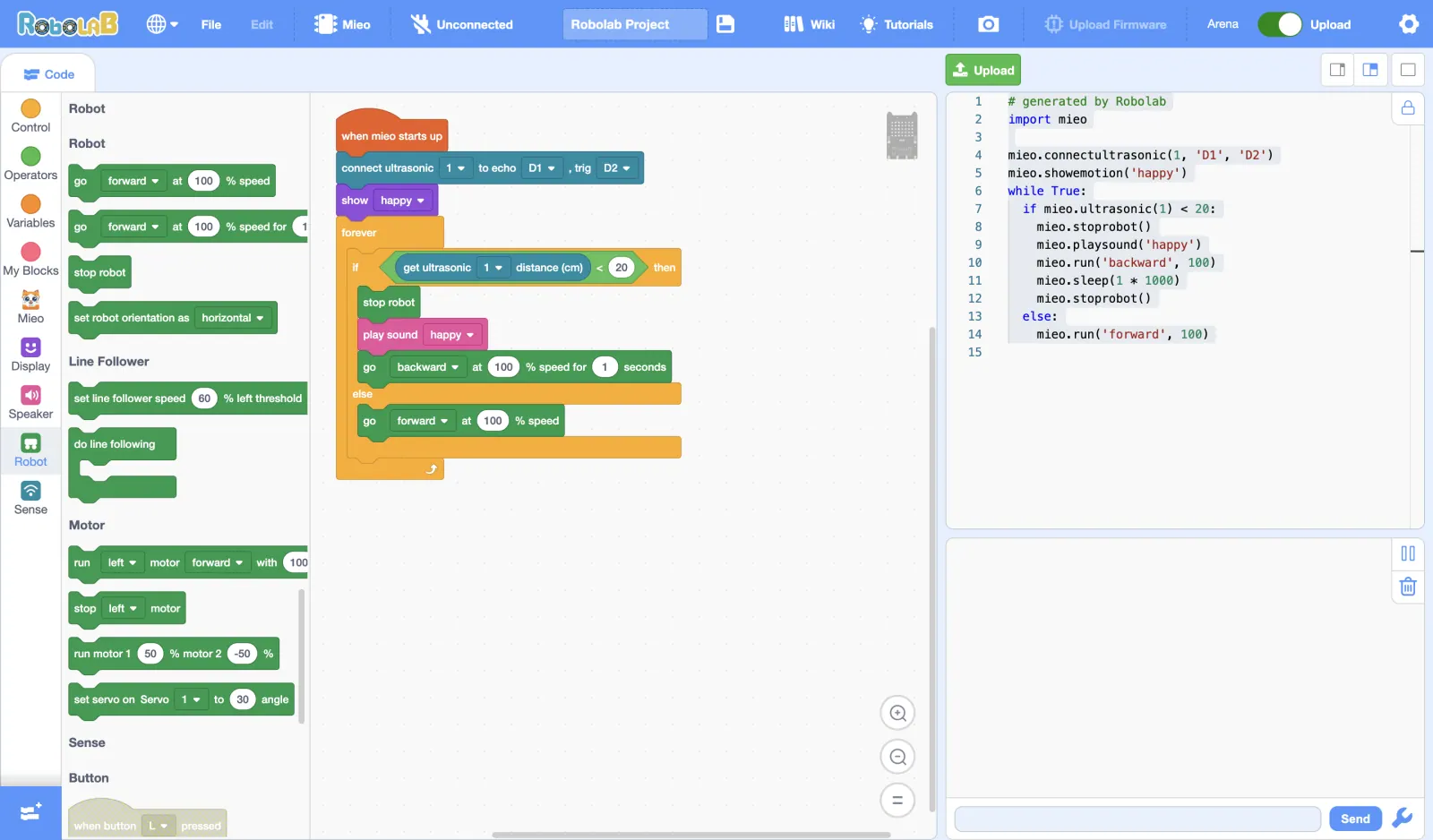
Arena mode
Blocks run live. Click a script and MIEO responds instantly, so you can try ideas fast.
Upload mode
Your blocks become real MicroPython code that is sent to MIEO, so it runs on its own.
- Connect over USB or Bluetooth
- See the MicroPython code beside your blocks
- Update MIEO's firmware from the menu
Meet the AI Blocks
Six new block families let your projects see, hear and understand the world, with no typing required.
Face Sense
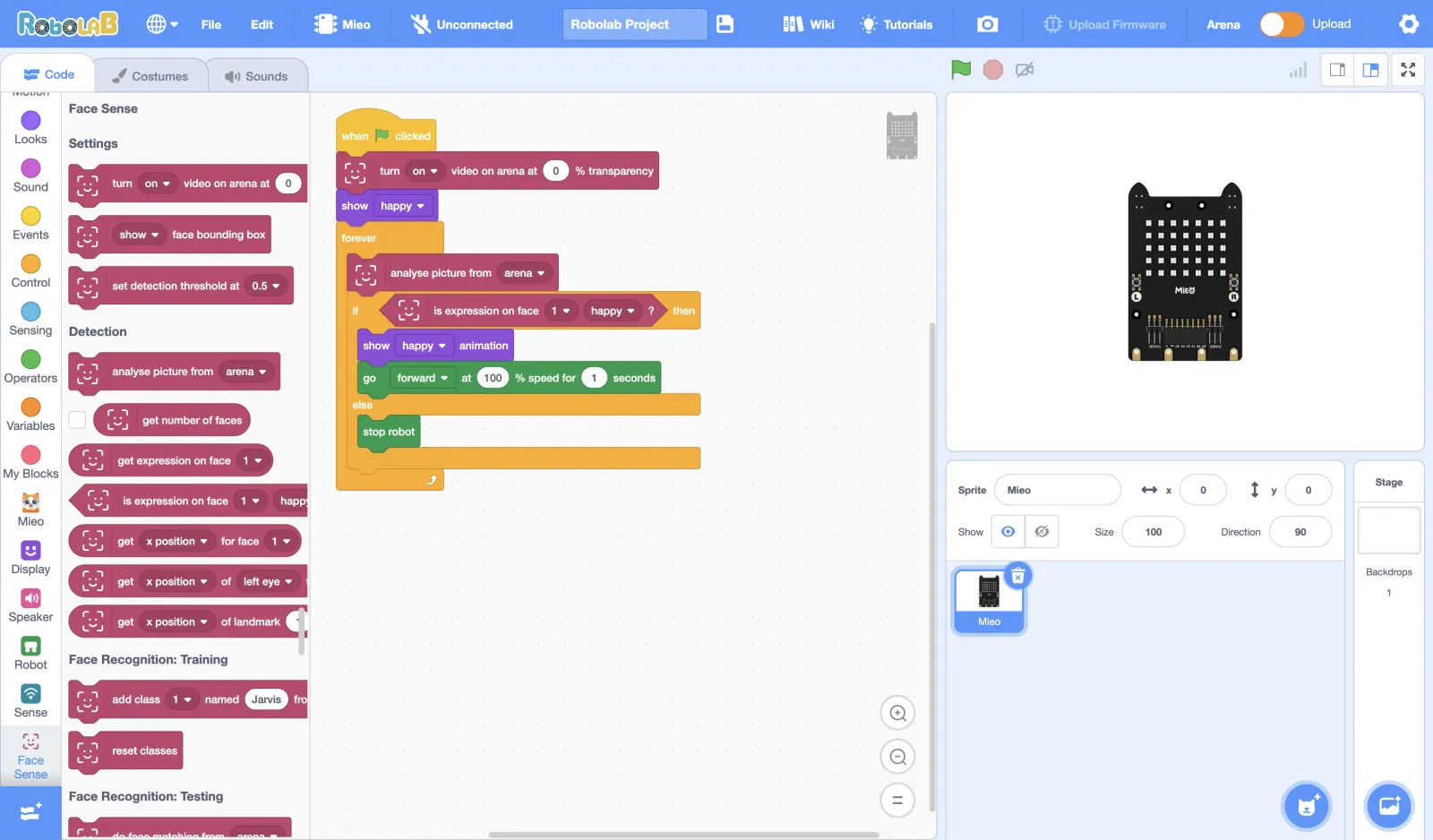
Make MIEO react when you smile, and teach it to recognise your friends
Body Sense
Drive MIEO by raising a finger or striking a pose
Object Sense
Spot everyday things like cups, balls and books, and count them
Vision Sense
Label pictures and read printed words from the camera
Speech Sense
Say "go" or "stop" and MIEO listens, even offline
Scan Sense
Scan QR codes to trigger actions in your projects
Face Sense program that reads the expression on a face from the camera and makes MIEO react
Private by Design
Built for classrooms, so schools and parents can say yes to the camera and microphone.
Runs on your computer
Face, Body, Object, Vision, Speech and Scan Sense do all their work on the computer running the app.
Nothing is uploaded
Camera pictures and voice from these blocks are never sent anywhere.
Mic only while listening
The microphone is only on while a listening block is running.
Made for classrooms
No celebrity or landmark recognition. Just the blocks young makers need.
More to Explore
Connect projects to the internet, check the weather, or code other boards.
IoT Cloud
Send sensor readings to an online channel and read them back, for projects that share data online.
Weather Sense
Get the current weather and forecasts so your projects can react to rain or sunshine.
More boards
Also codes Arduino, ESP32 and Raspberry Pi Pico. Each board's tools download the first time you use it, so the installer stays small.
