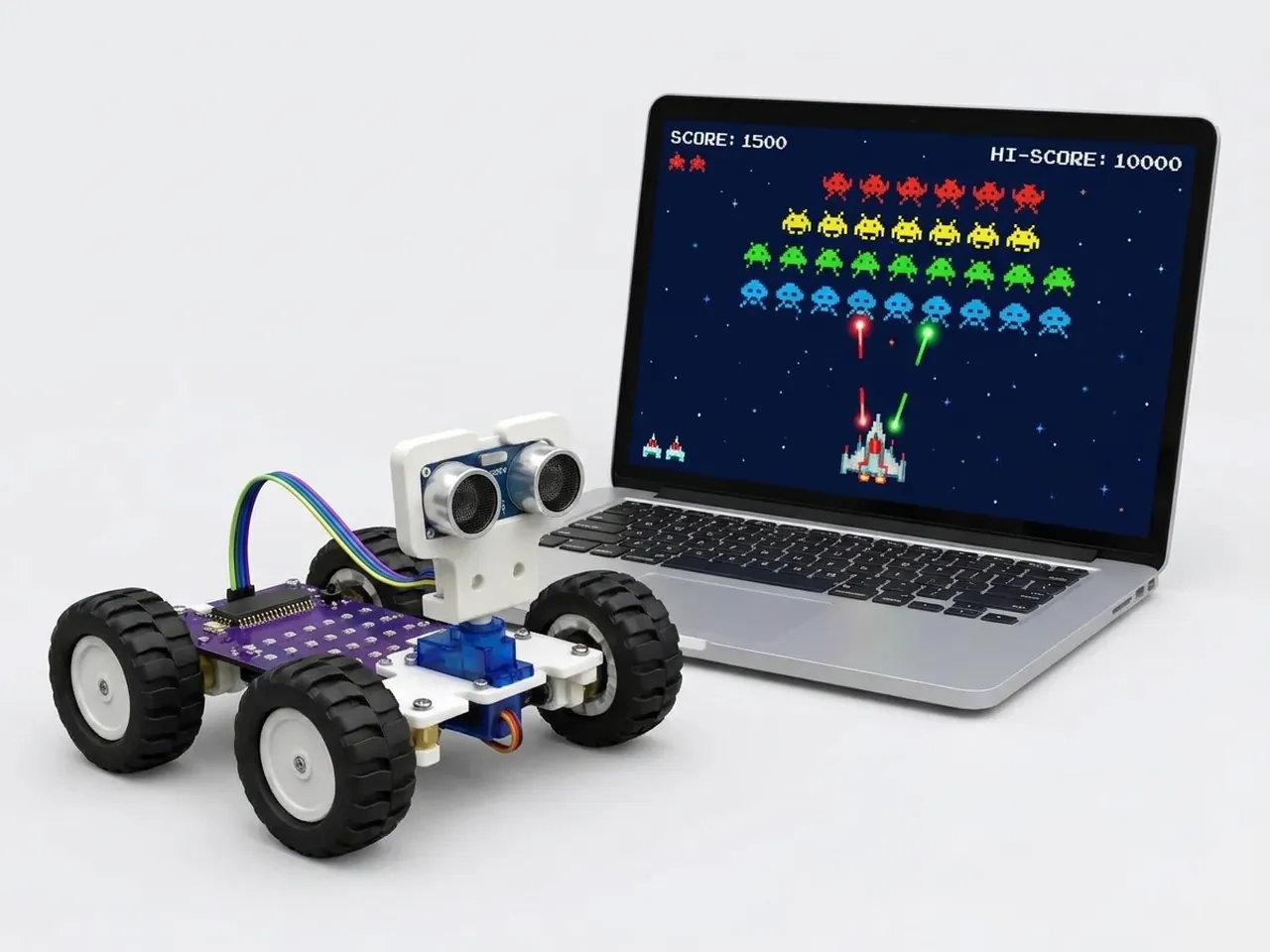
Space Shooter
Fly a ship, fire lasers and score points against falling rocks
What you'll build
Fly a rocket along the bottom of space, fire laser bolts with the space bar and blast the rocks that fall towards you. Every hit scores a point, and a rock that reaches your rocket ends the game. The lasers are clones: copies of one Lightning sprite, each flying up on its own and vanishing at the top. Clones are how games fill the screen with bullets, enemies and sparkles without needing hundreds of sprites.
What you'll learn
- Clones: copies of a sprite that each run their own script
- Starting a script with a key press
- Animating a sprite by moving it a little at a time in a loop
- Collisions between sprites with “touching”
- Keeping score with a variable
You'll need
Set up the stage
- Open Robolab and leave “No device selected” as it is, because this game runs on screen.
- Click the “Choose a Sprite” button and add three sprites from the library: Rocketship, Lightning and Rocks. Lightning will be your laser.
- Delete Roby: right-click Roby in the sprite list and choose delete.
- Click the “Choose a Backdrop” button and pick Stars.
- In the Variables group, click “Make a Variable”, name it score and leave its box ticked so the score shows on the stage.
Code it
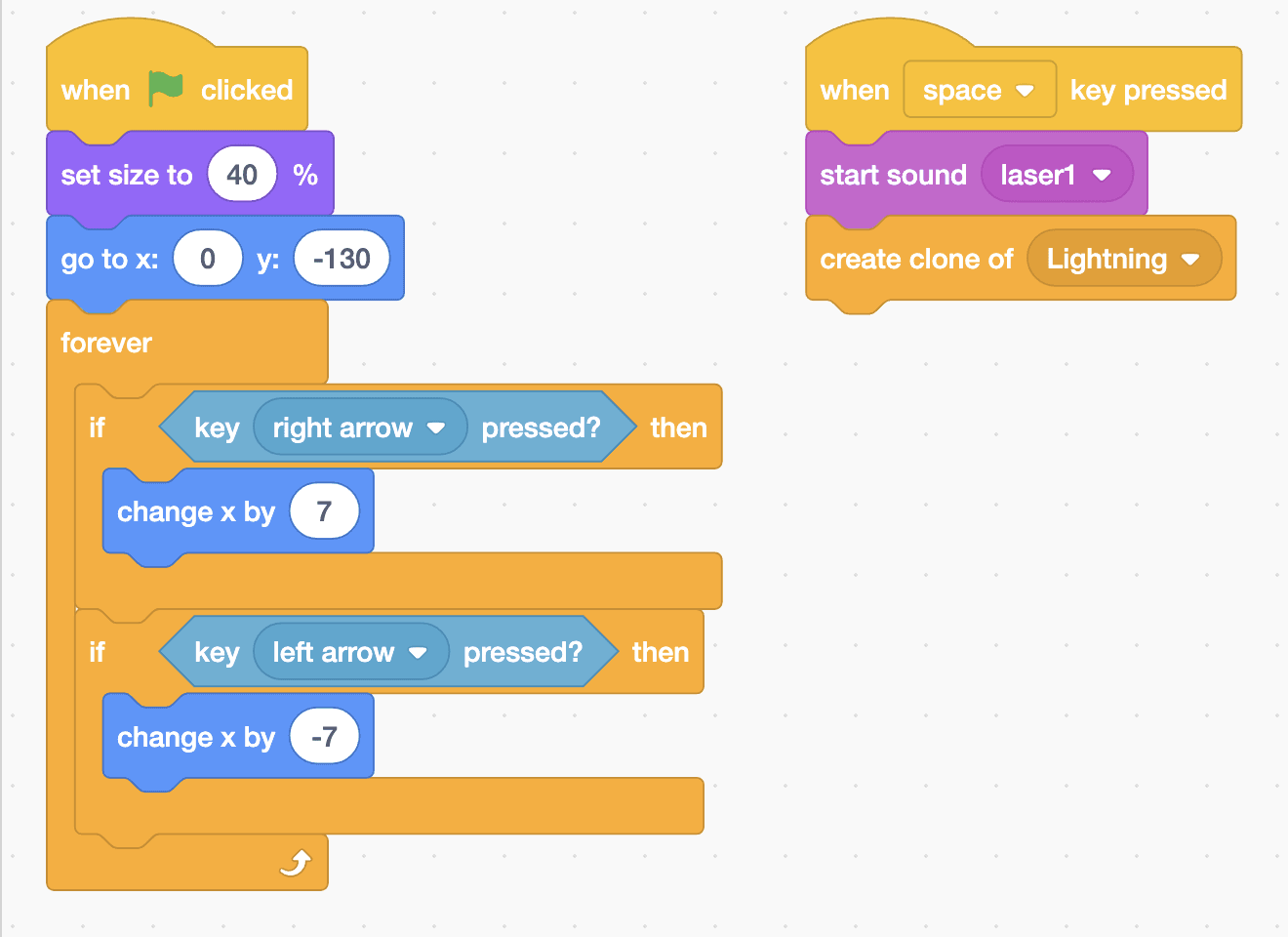
- Click Rocketship. Add “when green flag clicked”, “set size to 40 %” and “go to x: 0 y: -130”. Then add a “forever” loop with two “if … then” blocks: “key right arrow pressed?” does “change x by 7” and “key left arrow pressed?” does “change x by -7”.
- Add a second Rocketship script: “when space key pressed”, “start sound laser1” and “create clone of Lightning”.
- Click Lightning. Add “when green flag clicked”, “set size to 25 %” and “hide”. The real Lightning stays hidden; only its clones fly.
- Add “when I start as a clone”, “go to Rocketship” and “show”. Then add “repeat until y position > 170” with “change y by 10” inside, and “delete this clone” after the loop.
- Click Rocks. Add “when green flag clicked”, “set score to 0”, “set size to 50 %” and “go to x: (pick random -200 to 200) y: 170”.
- Add a “forever” loop with “change y by -3”. Inside it, add “if touching Lightning? then” with “change score by 1” and the same random “go to” as before, and “if y position < -160 then” with that “go to” again.
- Add one more “if touching Rocketship? then” with “say Boom! Game over. for 2 seconds” and “stop all”.
This project runs on screen in Robolab, so you don't need MIEO for it.
when green flag clicked
set size to (40) %
go to x: (0) y: (-130)
forever
  if <key [right arrow v] pressed?> then
    change x by (7)
  end
  if <key [left arrow v] pressed?> then
    change x by (-7)
  end
end

when [space v] key pressed
start sound [laser1 v]
create clone of [Lightning v]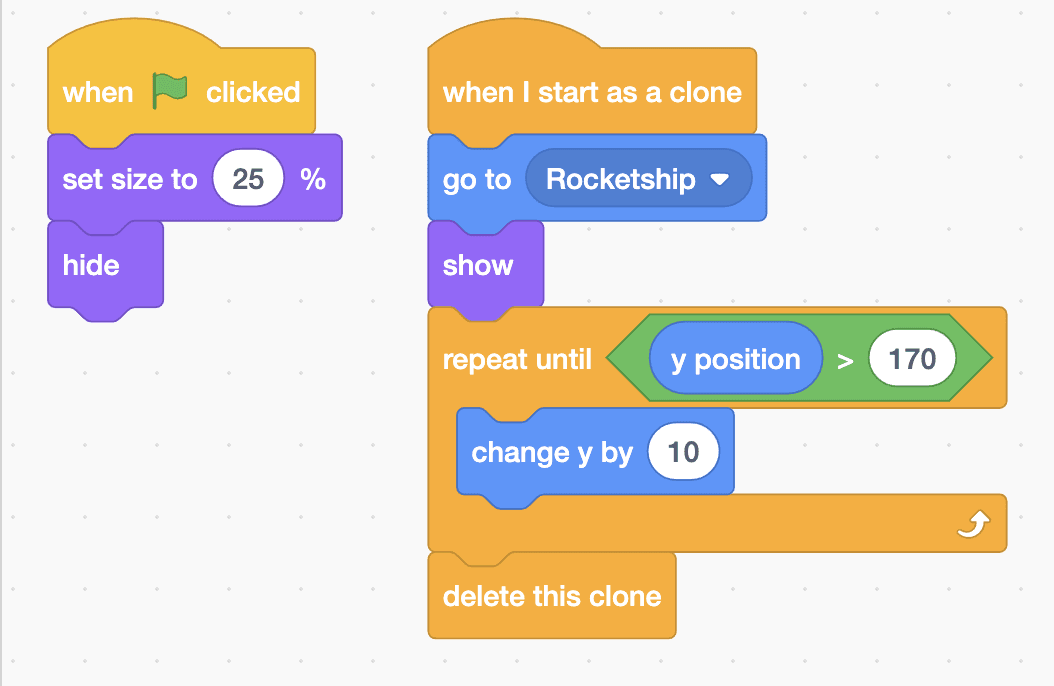
when green flag clicked
set size to (25) %
hide

when I start as a clone
go to [Rocketship v]
show
repeat until <(y position) > (170)>
  change y by (10)
end
delete this clone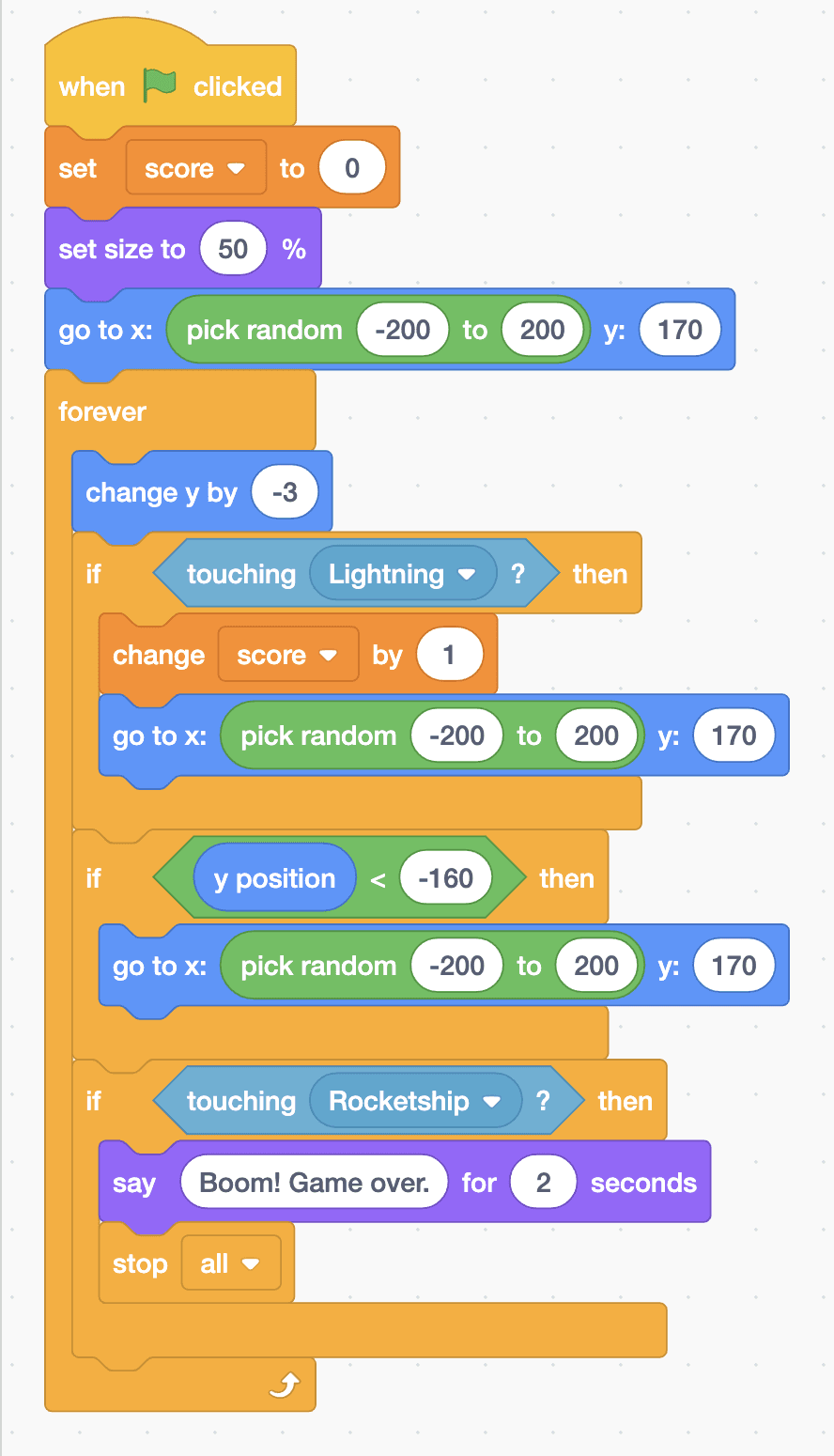
when green flag clicked
set [score v] to (0)
set size to (50) %
go to x: (pick random (-200) to (200)) y: (170)
forever
  change y by (-3)
  if <touching [Lightning v] ?> then
    change [score v] by (1)
    go to x: (pick random (-200) to (200)) y: (170)
  end
  if <(y position) < (-160)> then
    go to x: (pick random (-200) to (200)) y: (170)
  end
  if <touching [Rocketship v] ?> then
    say (Boom! Game over.) for (2) seconds
    stop [all v]
  end
endTest it
Click the green flag. The score goes to 0, the rocket sits at the bottom and a rock starts falling from a random place at the top. The arrow keys slide the rocket left and right. Press space and a laser bolt shoots up from the rocket with a zap. Hit the rock and the score goes up by one as the rock jumps back to the top. Let the rock touch your rocket and it says “Boom! Game over.” before everything stops.
If it doesn't work
- Lasers appear but don't move? The “repeat until” and “change y by 10” must be in the “when I start as a clone” script, not the green flag one.
- Hits don't score? Check that the rock's if block says touching Lightning, and that the “go to” inside it sends the rock back to the top.
- The lasers never go away? Put “delete this clone” after the repeat loop, not inside it.
Make it your own
- Easy: make the rocks fall faster by changing -3 to -5.
- Medium: add a second rock. Right-click Rocks, choose duplicate, and both rocks fall at once.
- Hard: give the player three lives instead of one. Lose a life when a rock touches the rocket, and stop only when there are none left.